The Local Business Owner's Honest Guide to Getting Found on Google
Websites
Mar 11, 2026
Introduction: Why Getting Found on Google Feels So Hard (But Doesn’t Have to Be)
Let’s be real for a second.
You started your local business to serve customers, not to wrestle with algorithms, keywords, and SEO jargon. Yet here you are, wondering why your competitor down the street shows up on Google while you’re buried on page three.
Frustrating, right?
Here’s the good news: getting found on Google isn’t magic. It’s not reserved for big brands with giant marketing budgets. In fact, local business owners often have a serious advantage—if they know how to use it.
In this guide, I’ll walk you through:
How Google decides which local businesses to show
How to optimize your Google Business Profile
Simple local SEO strategies that actually work
Website tweaks that boost visibility
How reviews can skyrocket your rankings
Common mistakes to avoid
No fluff. No complicated tech talk. Just practical steps you can start using today.
How Google Decides Which Local Businesses Show Up
Before we dive into action steps, let’s quickly understand how Google works.
When someone searches:
“Plumber near me”
“Best coffee shop in Chicago”
“Local dentist open now”
Google looks at three main factors:
1. Relevance
Does your business match what the person is searching for?
2. Distance
How close are you to the searcher?
3. Prominence
How well-known and trusted is your business online?
That’s it. Simple in theory. Powerful in practice.
If you focus on improving these three areas, your local business has a real shot at climbing the rankings.
For more insight straight from the source, check Google’s official guidance here:
https://support.google.com/business/
Step 1: Claim and Optimize Your Google Business Profile
If you do nothing else after reading this guide, do this.
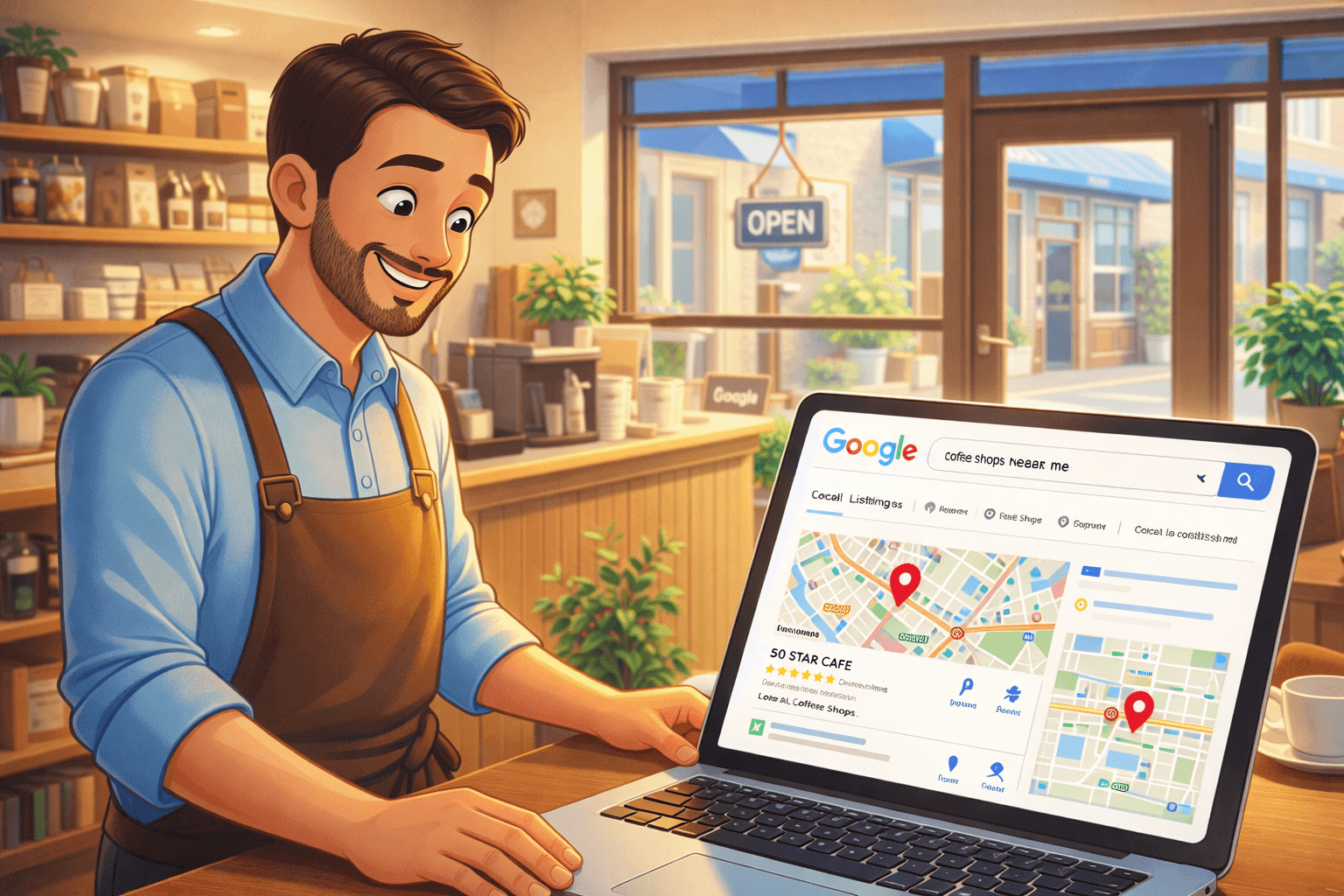
Your Google Business Profile (GBP) is the foundation of local SEO. It’s what shows up in the map results—the little box with reviews, photos, hours, and directions.
If you haven’t claimed yours yet, go here:
https://www.google.com/business/
Here’s How to Optimize It Properly
✔ Use Your Exact Business Name
Don’t stuff keywords into your name. If your business is “Mike’s Auto Repair,” don’t change it to “Mike’s Auto Repair – Best Cheap Mechanic in Dallas.” Google can suspend your listing.
✔ Choose the Right Categories
Your primary category is crucial. Be specific.
Example:
Instead of “Contractor,” choose “Kitchen Remodeler” if that’s your main service.
✔ Write a Clear, Keyword-Rich Description
Naturally mention:
Your services
Your city or service area
What makes you different
Don’t overdo it. Keep it conversational and helpful.
✔ Add High-Quality Photos
Businesses with photos get more clicks. Add:
Exterior shots
Interior photos
Team photos
Before-and-after images
People trust what they can see.
Step 2: Use Local SEO on Your Website (Without Overcomplicating It)
Now let’s talk about your website.
If your site doesn’t clearly tell Google:
Who you are
What you do
Where you’re located
…it’s going to struggle.
Here’s What You Should Include:
1. Your City + Service in Key Places
Naturally include phrases like:
“HVAC services in Austin”
“Family dentist in Miami”
Use them in:
Page titles
Headings
Main content
Don’t stuff them everywhere. Use them 2–3 times where they make sense.
2. Create Location Pages (If You Serve Multiple Areas)
If you serve multiple towns, create separate pages like:
/plumbing-dallas
/plumbing-fort-worth
Each page should have unique content. Not copy-paste. Google hates duplicates.
3. Add Your NAP Information Everywhere
NAP stands for:
Name
Address
Phone Number
It must be consistent:
On your website
On your Google Business Profile
On directories like Yelp
On social media
Even small differences (like “St.” vs “Street”) can cause confusion.
Step 3: Get More Reviews (The Right Way)
Want to boost your visibility fast?
Get more reviews.
Reviews impact both trust and rankings. Google sees them as signals of credibility and activity.
How to Get More Reviews Without Feeling Awkward
Ask happy customers immediately after service
Send a follow-up text or email
Add a “Leave Us a Review” link on receipts
Put a QR code at your counter
Make it easy.
Important: Always Respond to Reviews
Yes, even the negative ones.
When you reply:
Thank positive reviewers
Stay calm with negative feedback
Offer solutions
Google notices engagement. So do potential customers.
Step 4: Build Local Authority (Even If You’re Not Tech-Savvy)
This is where many local business owners get stuck.
Authority simply means: other websites mention you.
Here’s how to build it:
✔ Get Listed in Local Directories
Examples:
Yelp
Yellow Pages
Chamber of Commerce
Industry-specific directories
✔ Partner with Local Organizations
Sponsor:
School events
Local sports teams
Community fundraisers
Ask for a website mention in return.
✔ Get Featured in Local News
Send press releases about:
Grand openings
Charity work
Big milestones
Even small local media mentions can help your local SEO.
For deeper SEO learning, Moz offers beginner-friendly guides:
https://moz.com/beginners-guide-to-seo
Step 5: Make Sure Your Website Isn’t Hurting You
Sometimes the issue isn’t what you’re missing.
It’s what’s broken.
Check These Basics:
Is your website mobile-friendly?
Does it load in under 3 seconds?
Is your contact info easy to find?
Can users click your phone number on mobile?
Google prioritizes user experience.
If your site feels clunky or slow, rankings will suffer.
You can test your site here:
https://pagespeed.web.dev/
Step 6: Post Regular Updates on Google
Most local business owners don’t know this…
You can post updates directly to your Google Business Profile.
Post about:
Promotions
Events
New services
Seasonal offers
It keeps your profile active and engaging.
Think of it like social media—but on Google.
Common Mistakes Local Business Owners Make
Let’s call them out.
❌ Ignoring Their Google Business Profile
Huge mistake.
❌ Buying Fake Reviews
Google can detect patterns. Suspensions happen.
❌ Keyword Stuffing
Writing “best plumber Dallas cheap plumber Dallas emergency plumber Dallas” everywhere? Not smart.
❌ Forgetting Mobile Users
Most local searches happen on phones.
❌ Setting It and Forgetting It
SEO isn’t a one-time thing. It’s ongoing.
What Real Results Look Like
Here’s the truth no one tells you:
You might not see results overnight.
But within 2–3 months of consistent effort, many local businesses notice:
Increased calls
More direction requests
Higher website traffic
More booked appointments
The key? Consistency.
Small actions done regularly beat random big efforts.
Frequently Asked Questions
How long does it take to rank on Google?
It depends on competition, your location, and your current setup. For most local businesses, noticeable improvements can happen within 60–90 days.
Do I need to hire an SEO agency?
Not always. Many local SEO improvements can be done yourself. However, in competitive industries, professional help can speed things up.
Is Google Business Profile really that important?
Absolutely. For many local searches, the map pack appears before organic website results. Optimizing your profile is critical.
Can social media help me get found on Google?
Indirectly, yes. While social media isn’t a direct ranking factor, it builds brand awareness and can drive traffic and engagement.
What’s the most important factor for local SEO?
A well-optimized Google Business Profile combined with consistent reviews and accurate NAP information.
Final Thoughts: You Don’t Need to Be a Tech Genius
Here’s the honest truth.
Getting your local business found on Google isn’t about hacking the system. It’s about clarity, consistency, and credibility.
Focus on:
A fully optimized Google Business Profile
Strong reviews
Clear location-based content
A fast, mobile-friendly website
Consistent business information everywhere
Do these well, and you’ll already be ahead of most of your competitors.
It’s not glamorous. It’s not flashy. But it works.
And once the calls start coming in consistently? You’ll wonder why you didn’t start sooner.